Table of Contents
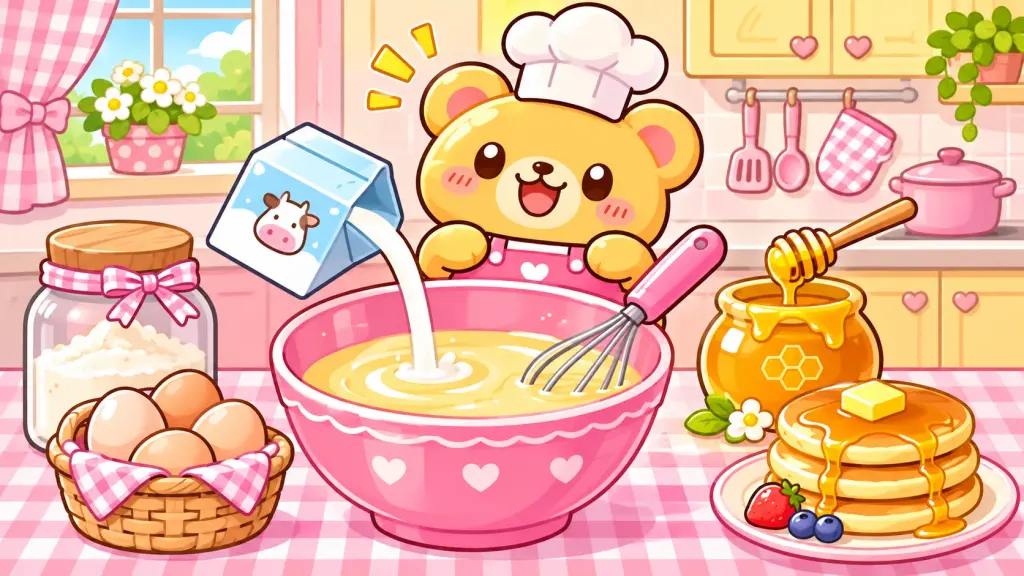
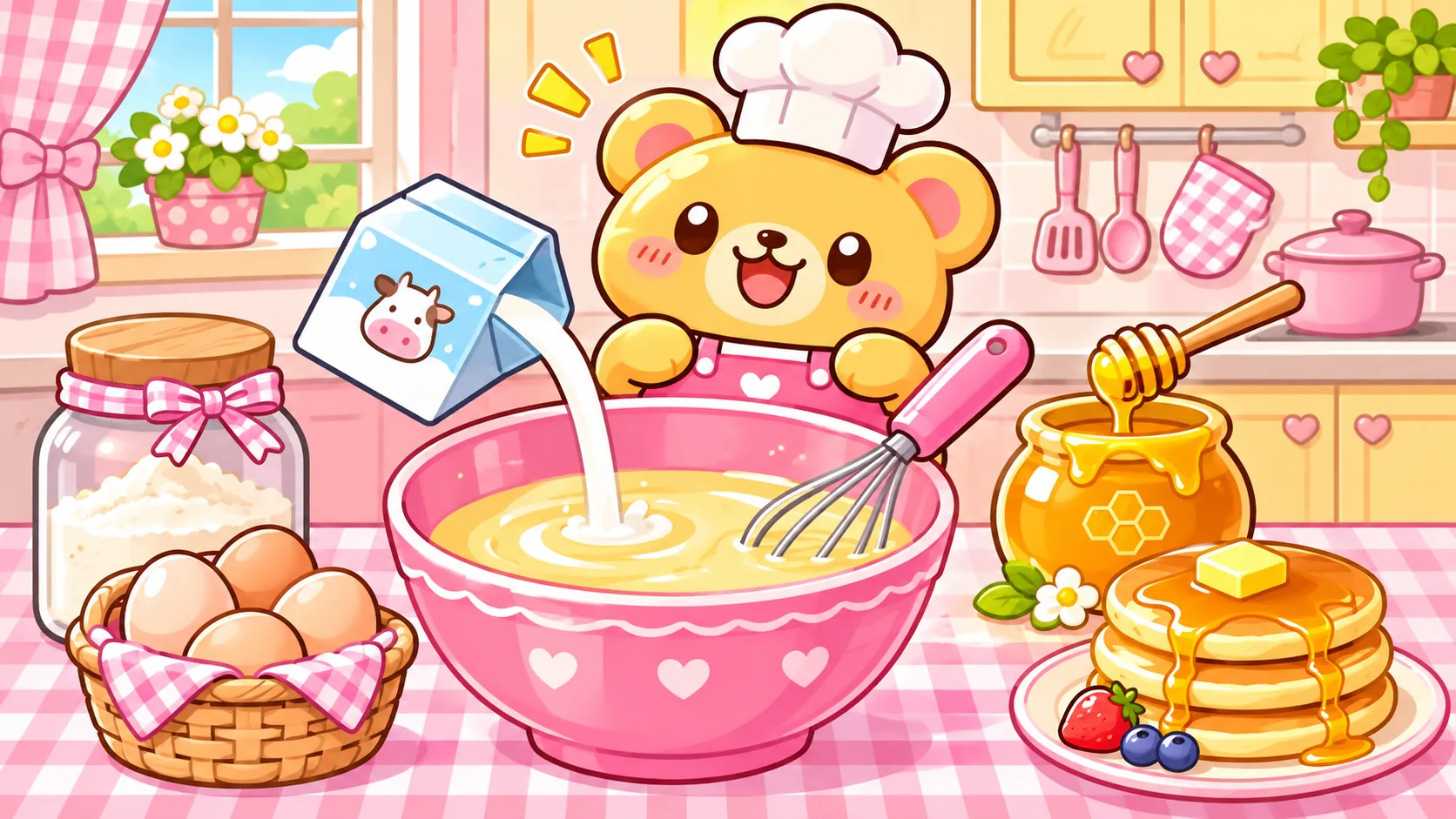
Looking for a cute cooking game you can play right in your browser? In this little honey pancake kitchen, you add ingredients to a pink bowl, whisk the batter, cook the pancakes, and serve a sweet plate. There is no download, no sign-up, and no rush. Just follow the on-screen prompts and try to finish your batch.
- Game: Honey Pancake Kitchen
- Type: Free, single-player cooking mini-game
- Controls: Tap or click the ingredient and action buttons
- Devices: Phone, tablet, laptop, or desktop
- Length: A short, replayable round
- Download: Not needed
What Do You Do in Honey Pancake Kitchen?
This simple cooking game starts with an empty bowl. You choose the ingredients in order, then use the whisk button to mix the batter. When it is ready, you cook and plate your virtual pancakes. A message above the buttons tells you what to do next.
The bright kitchen, little bear chef, and colorful ingredients are designed to feel playful without making the controls confusing. It is a short activity that works with a touchscreen or mouse. You can restart as often as you like and try to complete the steps without a wrong tap.
How to Play the Cooking Game
- Add flour. Tap the flour button to start the batter.
- Add an egg. Select the egg when the prompt appears.
- Pour milk. Tap the milk carton to add the next ingredient.
- Add honey. Finish the ingredient round with honey.
- Whisk. Tap the whisk button five times to blend everything.
- Cook. Tap the cooking button, then flip your pancake.
- Serve. Put the finished pancakes on a plate and see your result.
Play the Cute Honey Pancake Cooking Game
Follow the highlighted instruction in the game below. If you tap the wrong ingredient, nothing is lost: the bear will tell you what to choose instead.
Honey Pancake Kitchen
Help our little bear chef make a sweet pancake plate!
First, add the flour!
What Makes This Game Beginner-Friendly?
You do not need gaming experience to play. Every action uses a visible button, and the next instruction stays on screen until you complete it. There are no hidden menus, complicated keyboard shortcuts, timers, or surprise purchases.
The ingredient buttons also make the order easy to remember. As you progress, used ingredients become inactive, so you can see what you have already added. The whisk, cook, and serve buttons unlock when those stages are ready.
Game Stages at a Glance
| Stage | Your Goal |
|---|---|
| Gather ingredients | Choose flour, egg, milk, and honey in the prompted order |
| Mix the batter | Use the whisk five times |
| Cook | Start cooking and flip the pancake |
| Serve | Plate your virtual pancakes and finish the round |
Tips for a Smooth Round
- Read the prompt. The message above the ingredients always tells you the next step.
- Use one tap at a time. You do not need to drag ingredients across the screen.
- Whisk until the count reaches five. You will see the progress in the button label.
- Try another round. The Play again button resets the game without reloading the article.
- Use your keyboard. Tab moves between controls, and Enter or Space activates a selected button.
Does This Game Teach a Real Pancake Recipe?
Not exactly. It is a simplified, make-believe cooking activity, not a tested kitchen recipe. Real pancake batter usually needs additional ingredients and measurements, and real cooking requires careful heat control and food safety. In particular, foods made with eggs should be fully cooked.
If the game makes you want to cook a real breakfast, try the carrot and banana pancake recipe on KOSMAX. It includes actual ingredients, measurements, and cooking instructions. Children should have an adult handle the hot skillet.
Frequently Asked Questions
Is this cooking game free?
Yes. The small Honey Pancake Kitchen game on this page is free and does not ask you to create an account or buy anything.
Can I play on my phone?
Yes. The game layout adjusts to smaller screens, and every action has a tap-friendly button. It also works with a mouse or keyboard on a computer.
Do I need to download an app?
No. The mini-game runs in the browser when JavaScript is enabled. There is no separate app or installation.
What happens if I choose the wrong ingredient?
The game gives you a reminder about the correct ingredient and lets you try again. You do not have to restart the whole round.
Does the game save information about me?
The mini-game itself does not request an account, collect player details, or store progress. General site analytics and advertising technologies, if present on the page, are covered by the website’s privacy and cookie policies.
Can I replay it?
Yes. Choose Play again at any time to reset the virtual ingredients, mixing stage, and pancake plate.
For parents: This is a pretend kitchen game with no real heat or sharp tools. If children want to try real pancake making afterward, supervise the cooking and follow a proper recipe.