Amazon KDP is a free publishing platform where you upload a digital file—say, a journal or notebook—and Amazon prints, ships, and handles customer service when someone buys it. You collect a royalty per sale. That’s the whole pitch, and it works. But “passive” doesn’t mean zero work upfront. It means the work happens once, before the first sale, and then the system runs without you.
For a beginner, the fastest path is a low-content book: a lined notebook, a gratitude journal, a habit tracker. You design the interior and cover, upload both as PDFs, set a price, and list it. Amazon does the rest. No inventory, no shipping, no returns to manage.
What can you actually publish on KDP?
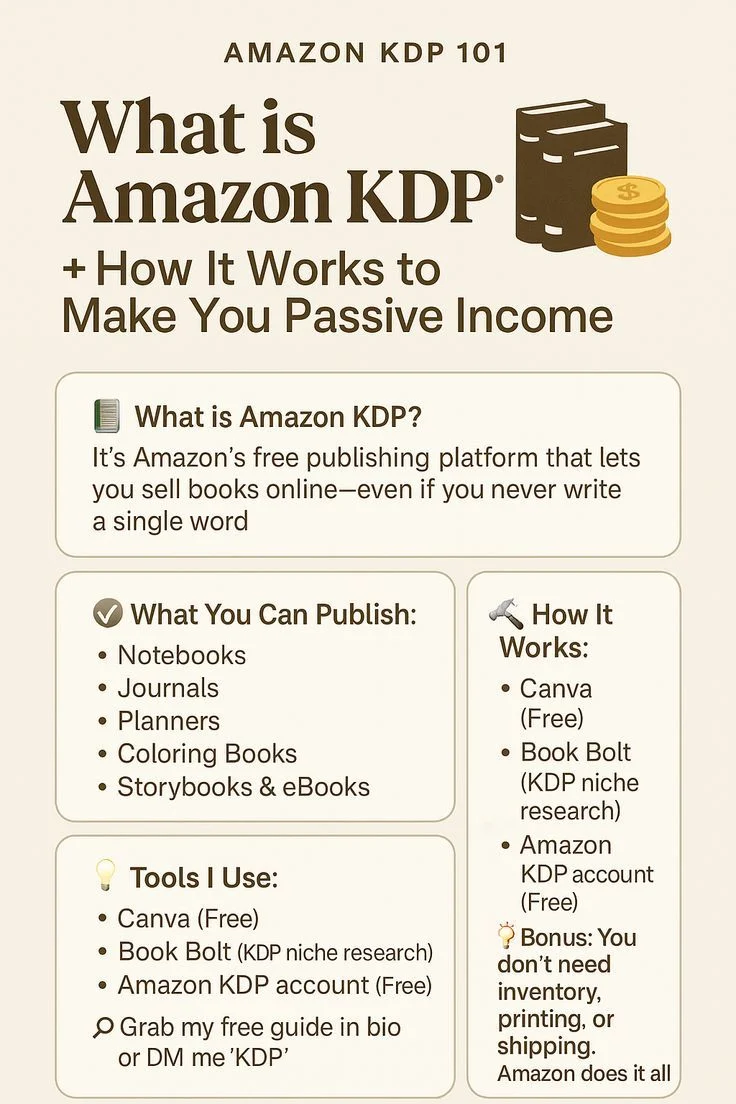
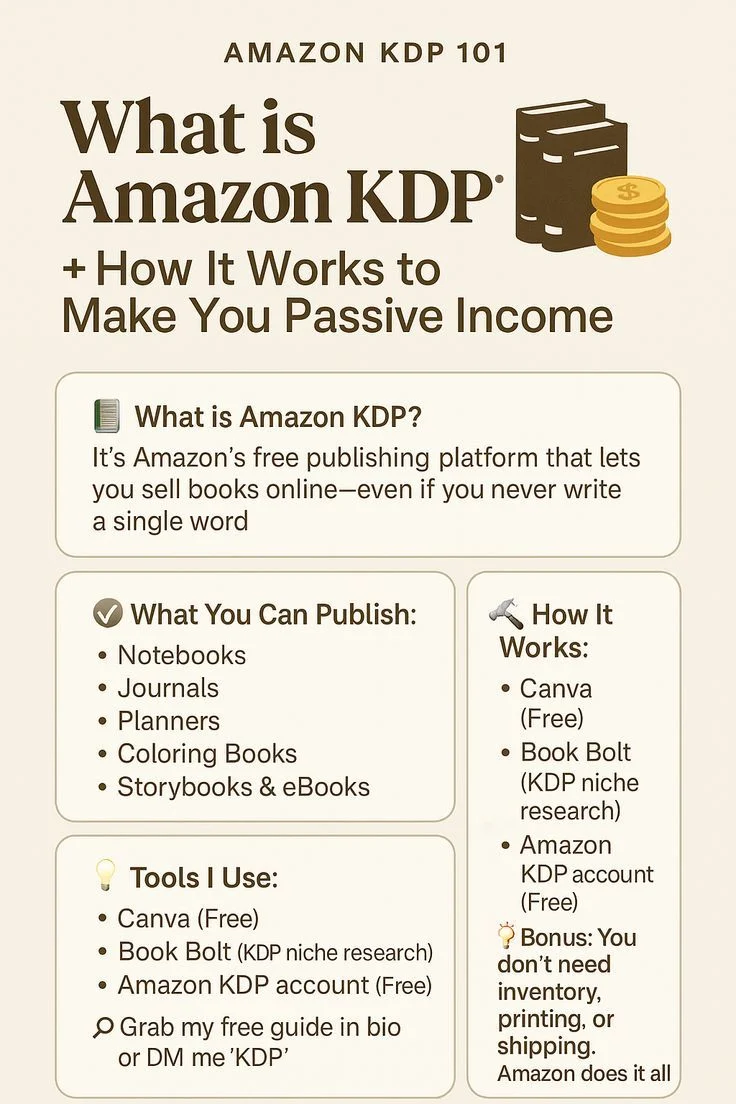
The infographic that likely brought you here lists notebooks and journals as the entry point. That’s accurate. These are called low-content books because the pages are mostly blank or lightly structured—ruled lines, dot grids, prompts. They’re the easiest to make because the interior rarely changes between products.
Once you’re comfortable, you can move to medium-content books: planners, logbooks, guest books, sketchbooks. The step up is real but manageable. Full manuscripts—novels, guides, recipe collections—are a different game entirely, with editing, formatting, and cover design that matter far more.
What sells best for beginners tends to be niche-specific. A “Garden Planning Notebook” outsells a generic “Notebook” every time. Think about who needs a specific tool, not who needs a notebook.
What tools do you need to start?
The infographic names two: Canva and Book Bolt. Canva is a browser-based design tool with a free tier that’s genuinely enough for your first few books. You can create a 6×9-inch interior page with ruled lines in about ten minutes. The cover is the same process—just a different canvas size.
Book Bolt is a paid research tool. It shows you what’s already selling in a niche, what keywords buyers use, and what the competition looks like. You can start without it, but you’ll be guessing at demand. A month of Book Bolt costs less than a few wasted hours designing a book nobody searches for.
You’ll also need a way to export PDFs with proper margins. Canva handles this, but double-check your bleed settings. Amazon rejects files with incorrect trim sizes, and that rejection costs you a day of waiting.
How much effort does it really take?
Your first book will take longer than you expect. Budget five to eight hours spread over a week: two hours for niche research, two for the interior, two for the cover, one for uploading and fixing errors. The second book takes half that. By the tenth, you can produce one in an afternoon.
The “passive” part kicks in after publishing. You don’t answer customer emails—Amazon does. You don’t pack boxes—Amazon does. But you do need to check your royalties, monitor reviews, and occasionally update a listing if a competitor undercuts you on price.
One honest warning: most KDP books sell a handful of copies a month. The people earning real money have dozens or hundreds of titles. Treat this as a numbers game. One book is a test; twenty is a business.
What does it cost to get started?
KDP itself is free. No setup fee, no monthly charge, no minimum order. Your costs are tools and time. Canva’s free tier works; Book Bolt runs about $20 a month if you subscribe annually. Some sellers buy stock fonts or hire a cover designer for $20–50, but that’s optional at the start.
Amazon takes a printing cost out of each sale, plus a royalty percentage. For a 100-page black-and-white notebook priced at $7.99, you might keep $2.50–3.00. Color interiors cost more to print, so your margin shrinks. Keep your first books black-and-white.
You’ll also need a bank account for payouts and a tax interview on KDP’s site. Both take ten minutes. Amazon pays monthly, about 60 days after the sale month ends.
How do you pick a niche that actually sells?
Start with what you know. If you garden, make a planting journal. If you teach, make a lesson planner. Your familiarity shows in the details—page layouts that make sense, prompts that fit real use—and that’s what earns repeat buyers.
Then check demand. Search Amazon for your idea and look at the top results. Are there hundreds of competitors with thousands of reviews? That’s a crowded market. Are there a few dozen with thin listings? That’s a gap. Book Bolt automates this search, but you can do it manually in an afternoon.
Price matters less than positioning. A $6.99 journal aimed at “new beekeepers” outsells a $4.99 generic journal because the buyer feels seen. Name your book for the person, not the object.
What should you avoid as a beginner?
Don’t chase trends. A “2025 Christmas Planner” might sell this year, but you’re competing against sellers who started months ago. Evergreen niches—fitness, gardening, parenting, faith—sell year after year with less competition.
Don’t copy other listings. Amazon’s algorithm and reviewers punish duplicate content. Use competitors for inspiration on structure, not for text or layout.
Don’t quit after one book. The first title teaches you the process. The second teaches you what sells. The third teaches you how to make the first two better. Most beginners stop before they’ve learned anything useful.
And don’t expect overnight income. KDP is a slow build. The people who succeed treat it like a part-time job for six months, then scale what works.
How does KDP fit into a broader passive income plan?
KDP pairs well with other online income streams because the skills transfer. Designing a notebook teaches you layout and typography. Writing a journal teaches you audience research. Both are useful if you later build a blog, a YouTube channel, or a digital product shop.
If you’re thinking about long-term financial habits, it’s worth stepping back. Passive income only helps if you manage what comes in. A solid budgeting approach matters more than any single revenue stream. And if you’re working toward a bigger goal, understanding how money compounds—whether from book royalties or savings—keeps the effort worthwhile.
Is Amazon KDP right for you?
If you can commit ten hours to learning the platform and another ten to your first three books, yes. If you want a side income that doesn’t demand daily attention, yes. If you’re looking for a get-rich-quick scheme, no.
Start small. Pick one niche you know. Design one book. Publish it. See what happens. The cost of failure is a few hours and maybe $20 in tools. The cost of not trying is wondering, six months from now, whether you could have made it work.