
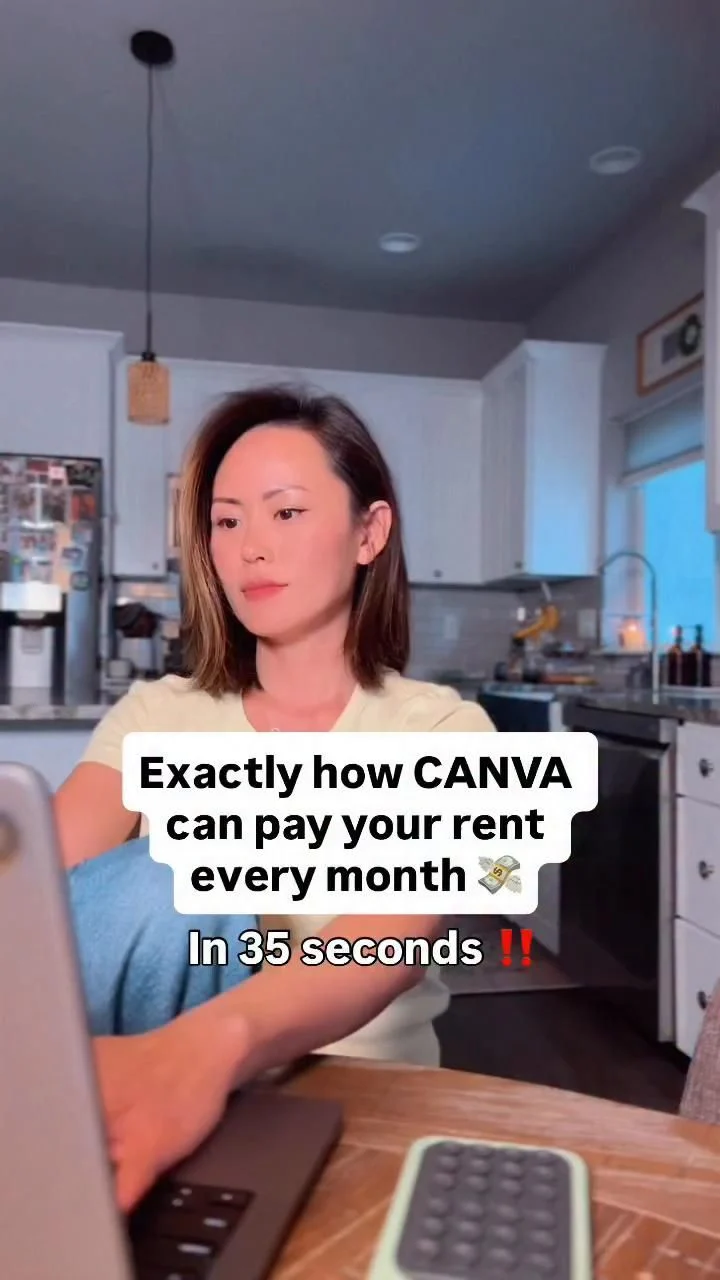
You can start making money online from home with nothing more than a laptop and a decent place to sit. That’s the honest truth. The laptop is the tool. The workspace is what keeps you using it past the first week.
Most beginners quit not because the work is hard, but because their setup makes it miserable. A kitchen chair that hurts after forty minutes. A screen that glares at 9 p.m. A desk buried under last month’s mail. Fix those three things and you’ve solved half the battle.
What your workspace actually needs
You don’t need a dedicated office. You need a spot that works consistently. A corner of the bedroom, a section of the dining table, even a well-organized closet with a fold-down desk. The key is that it’s always ready.
Here’s the minimum list:
- A flat surface at elbow height when you’re seated
- A chair that supports your lower back for at least an hour
- Natural light from the side, not behind the screen
- One power outlet within reach
- Storage for the few things you use daily
That’s it. If you have those, you can work. Everything else is comfort and preference.
Light matters more than you think
Position your screen perpendicular to a window, not facing it. When the window is behind your laptop, you squint against the glare. When it’s behind you, your face is shadowed and the screen washes out. Side light solves both.
For evening work, a warm lamp on the desk beats an overhead ceiling light. Overhead fixtures cast shadows on your keyboard and make the screen feel harsh. A small desk lamp with a flexible neck lets you aim light exactly where you need it.
If you’re working after the kids go to bed, like the source description suggests, dim the room and keep one focused light on your work area. It signals to your brain that it’s focus time, not wind-down time.
Comfort is a productivity tool
Your body will tell you when the setup is wrong. Shoulders creeping up toward your ears means the desk is too high. Wrists bent upward means the keyboard is too far forward. Feet dangling means the chair is too tall.
Fix the big three:
- Feet flat on the floor. If your chair doesn’t adjust, use a stack of books.
- Elbows at roughly 90 degrees. Your forearms should rest parallel to the desk.
- Top of the screen at eye level. Raise the laptop on a box or stand if you need to.
A laptop alone forces you to look down. That’s fine for thirty minutes. For two hours, it’s a neck ache waiting to happen. A separate keyboard and mouse, even cheap ones, let you raise the screen without losing typing comfort.
What to do about noise and distractions
You don’t need silence. You need predictable sound. If the TV is on in the next room, that’s background noise you can adapt to. If people walk through your workspace every ten minutes, that’s a problem.
Set a boundary with the people you live with. A simple rule works: when the laptop is open and headphones are on, you’re not available. If you can’t close a door, use a visual signal. A small sign, a closed curtain, even a chair angled to block the path.
For sound, you have two options. Noise-canceling headphones block the world out. Or a fan or white noise app creates a consistent hum that masks sudden sounds. Both work. Pick the one that doesn’t annoy you.
Adapting this to your budget and space
You can build a functional workspace for almost nothing. A sturdy table from a thrift store, a firm chair cushion, and a lamp you already own. The expensive gear is nice, but it doesn’t make you money. Consistency does.
If you’re short on space, think vertical. Wall-mounted shelves hold a printer or paperwork. A laptop stand folds flat when you’re done. A rolling cart can be tucked into a closet and rolled out when it’s time to work.
For warmer climates, position your desk away from direct afternoon sun. The heat makes you drowsy and the screen becomes hard to read. In colder rooms, a small space heater under the desk beats cranking the whole house thermostat.
If you’re working on a phone instead of a laptop, the same principles apply but smaller. You can check out our guide on making money online using your phone for that specific setup. The light and posture rules stay the same.
Build the habit, not the perfect office
The biggest mistake beginners make is waiting for the ideal setup. They research desks for three weeks and never open their laptop. Don’t do that.
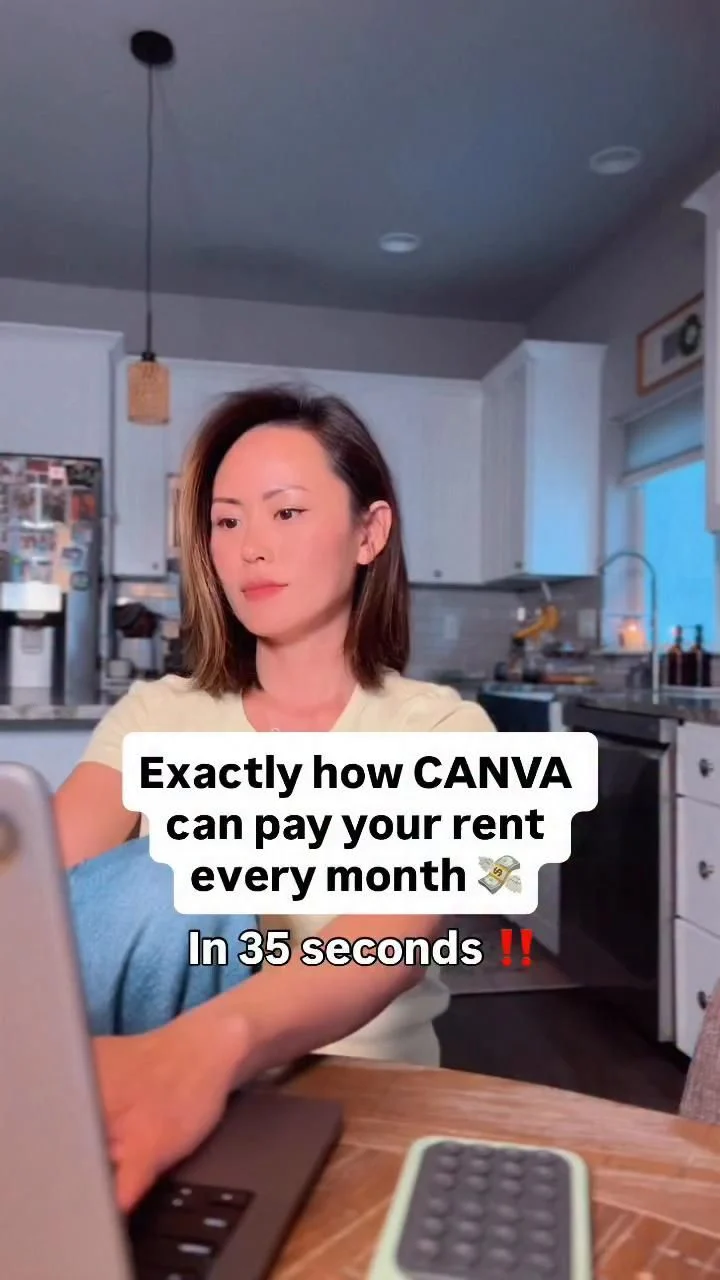
Start with what you have tonight. Clear a surface. Plug in your laptop. Set a timer for thirty minutes and do one small task. Tomorrow, do it again. The workspace improves as you learn what you actually need.
That’s how the source description’s story works too. A couple of hours at night, after the kids were in bed, staying consistent. The workspace wasn’t perfect. It was just there, ready, every single night.
What to tackle first when you’re starting out
Once your space is set, the next question is what to actually do. For a beginner, the best options are skills you already have repackaged as services. Writing, data entry, social media management, virtual assistance. These need no special software and no upfront investment.
If you’re comfortable with technology, using AI tools to speed up your work can help you produce more in those two evening hours. But don’t let the tools become the focus. The focus is showing up and doing the work.
One practical tip: keep a notebook next to your laptop. Write down one task you’ll complete tomorrow before you close the lid tonight. That small act makes the next session easier to start. You don’t have to think about what to do. You just open the laptop and begin.
How long should I work each day?
Start with thirty to sixty minutes. Consistency beats marathon sessions. Two focused hours a night, five nights a week, is plenty to build momentum. You can scale up when you see results.
Do I need a separate room for this?
No. A corner, a closet, or a section of a shared table works. What matters is that the space is dedicated and ready. Packing up and unpacking every day adds friction that makes you skip sessions.
What if my laptop is old and slow?
It’s fine. Most online income work is text-based. Email, documents, simple spreadsheets. If it loads a browser and a word processor, you’re equipped. Upgrade only when the work demands it, not before.
Your workspace is the foundation. Get it comfortable, keep it simple, and let the consistency do the heavy lifting. The money follows the work, and the work follows the habit.